
Uncategorized
Roadster Ramp Food Video: 5 AI Prompts
Learn how to make a Roadster Ramp Food Video from a product photo, with a repeatable image-to-video workflow, five original prompts, and fixes for food distortion.
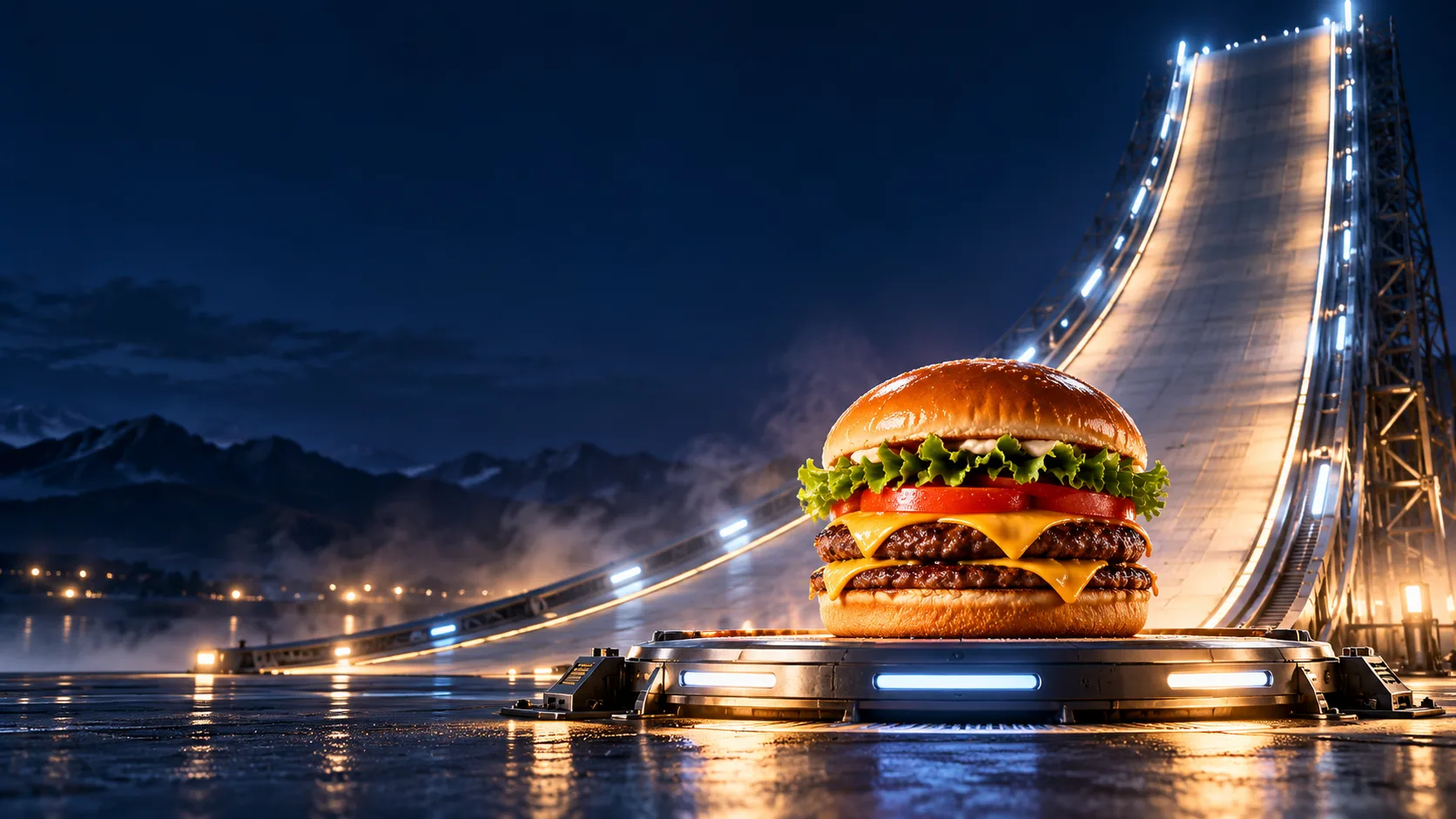
A Roadster Ramp Food Video turns a dish or packaged product into the star of a dramatic ramp stunt: a clear climb, a brief airborne turn, and a composed landing. The format borrows the visual rhythm of a futuristic car demonstration and applies it to a food commercial. The food is the hero; the ramp is a short visual journey; the landing is the product reveal.
This is a creative format, not an official Tesla feature or a verified measure of a social trend. The examples on this page are original editorial illustrations, not outputs from our generator. If you want to make your own clip, start with one food image in the Image to Video workspace. You can also browse the broader AI video workspace before choosing a generation mode.
What Is a Roadster Ramp Food Video?
It is a short AI-video concept built around a simple three-beat action: a food item climbs a steep curved ramp, makes one readable turn or flip, then settles into a clean product shot. A futuristic roadster stunt supplies the visual reference, but the moving subject becomes a burger, cake, drink can, donut, or another product with a recognizable shape.
The best version is more like a miniature food commercial than a pile of effects. Viewers should be able to identify the product before the stunt, follow the movement, and see an appetizing final frame. That means you do not need the most complicated prompt. You need a stable food shape, one main camera move, a simple background, and an ending that leaves the product visible.
Search results use phrases such as “Roadster Ramp Food Video” for this kind of food or product adaptation. That wording is useful for finding examples, but it does not establish a standard template, a single original creator, or measurable virality. Treat the term as a description of the visual recipe and make an original version for your own brief.
What the Roadster Reference Actually Shows
The reference matters because it explains why the format feels energetic. The October 2026 Roadster reveal used a curved ramp and a vehicle demonstration with short jumps and flips. That is enough to explain the recognizable visual grammar: approach, climb, rotation, and landing. It does not mean a generated food clip depicts a real car, reproduces a real vehicle capability, or represents a Tesla advertisement.
For a food video, borrow only the motion structure. Swap the vehicle for a food hero, build the track as an abstract set, and describe a landing that protects the product. Avoid Tesla badges, exact vehicle details, official branding, or copy that might make a fictional food ad look endorsed by an automaker. If your concept includes a recognizable product or person, use material you have permission to use.
Keep that distinction in mind when posting. A generated burger flying around a neon ramp is an imaginative ad treatment. It is not evidence that a restaurant served the food in that scene, and it is not footage from the Roadster event.
Choose a Food Hero That Can Read at a Glance
Pick one product with a silhouette that survives a quick glance. A burger, frosted cake, capped bottle, can, stacked pancakes, or closed takeout box gives the viewer one dominant shape. Tiny toppings, loose sauces, and several dishes compete for attention and create more opportunities for a video model to change the product between frames.
For a first attempt, use a clean product photo on a simple background. Keep the camera angle close to the one you want in the finished clip. If you want to preserve the label, save a reference image with the label facing forward and keep the camera move modest. When you do not have a usable starting image, you can test a text-first idea in the Text to Video workspace, then compare it with an image-led result.
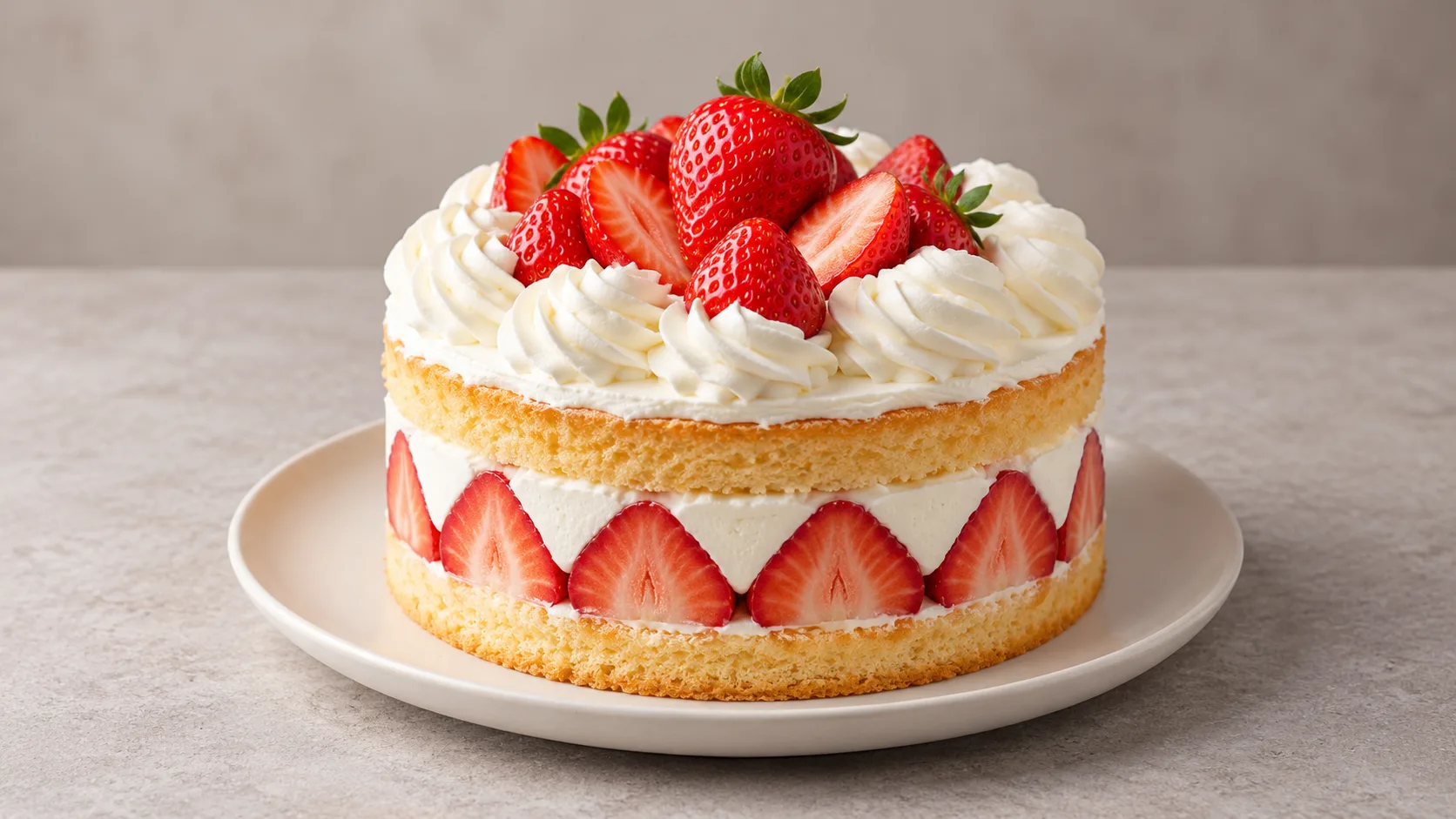
Before uploading, remove anything you do not want a model to reproduce: private notes, customer details, unapproved packaging, or a brand mark you cannot use. A reference image is a visual anchor, not a guarantee that every pixel or logo will remain unchanged.
How to Make a Roadster Ramp Food Video: A Six-Step Workflow
The most controllable path is to make the food image first, then animate it. Keep the clip short and split the action into beats. When the first result has a strong opening but a weak landing, revise that beat rather than replacing every part of the prompt.
Step 1: Pick one product image
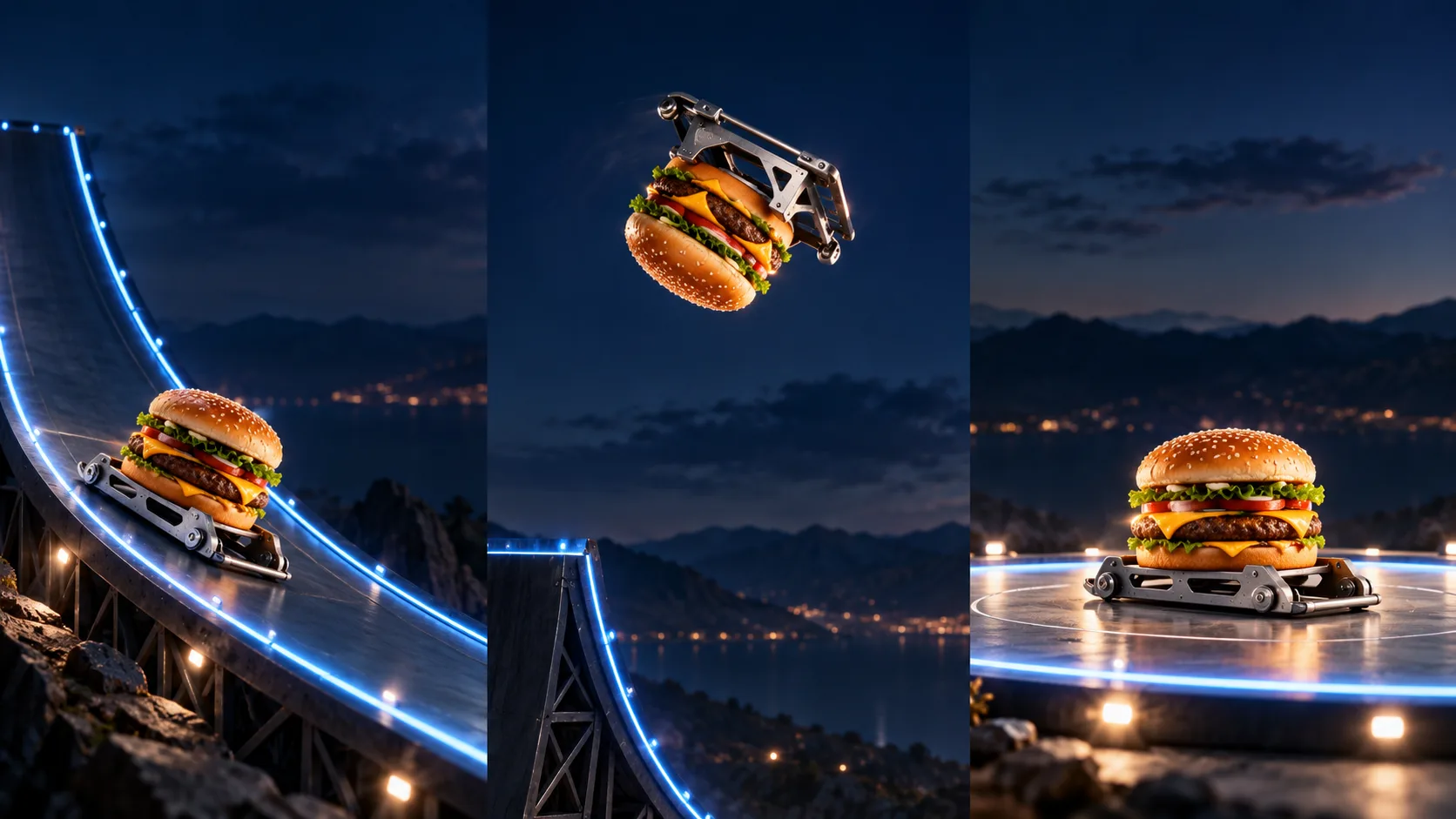
Choose an image you own or are allowed to edit. Use one hero object, a readable silhouette, and enough background space to show the ramp. Avoid a crowded table or a group of unrelated foods. The generated storyboard below is an illustration of the action plan, not a claimed model output.
Step 2: Decide the destination format
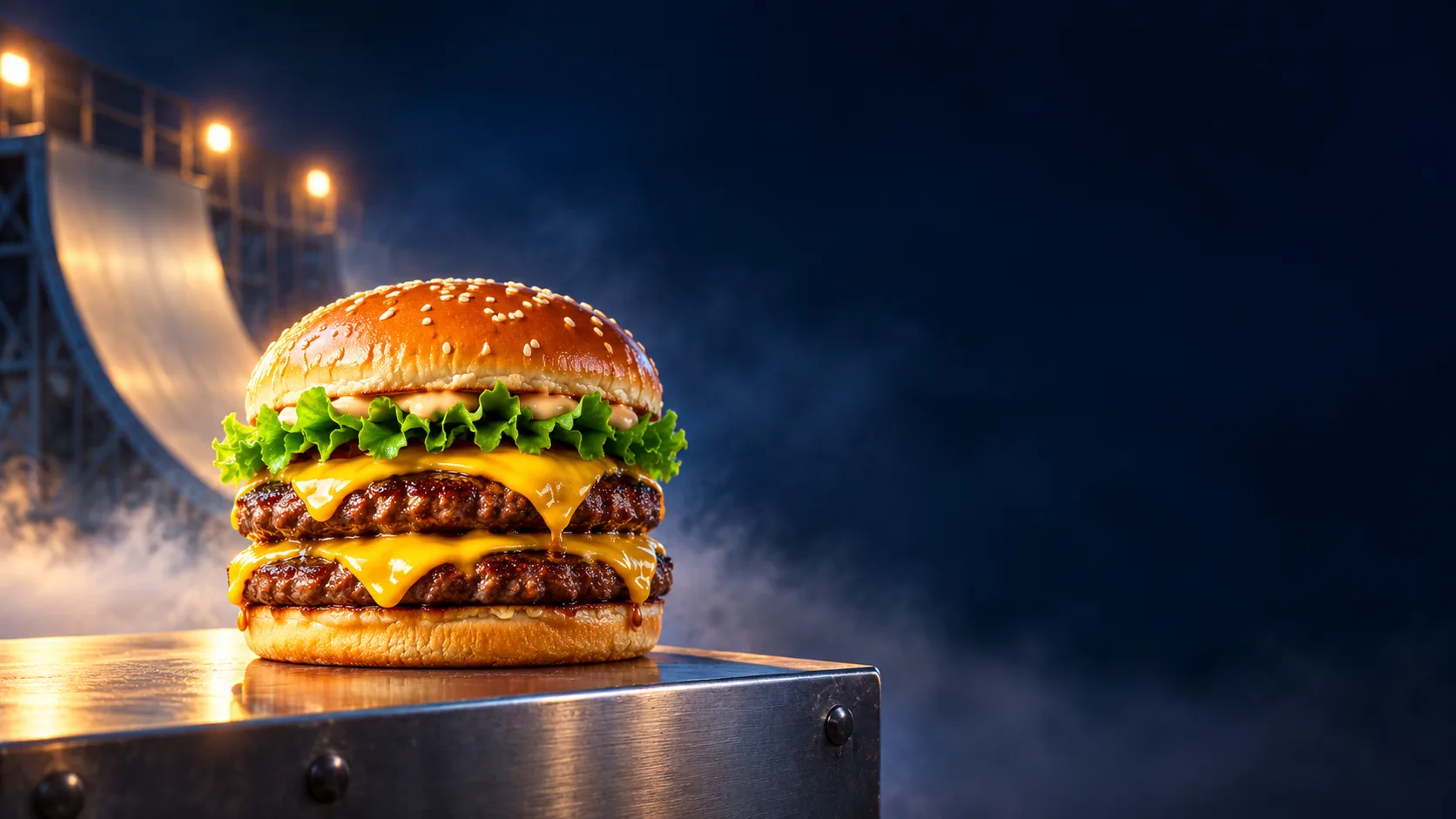
Choose the final aspect ratio before generating. Vertical 9:16 leaves room for a tall ramp and suits short-form feeds. A 16:9 composition gives the product more horizontal breathing room for a site banner or a wider campaign placement. Keep the food away from the very edges so a later crop does not cut off the hero.
Decide where the last frame will live, too. A product page may need empty space for a headline or call to action. A feed post may need a close-up that reads on a phone. Make that landing frame part of the brief instead of hoping the model happens to create it.
Step 3: Write the action as three visible beats
Describe the opening position, the one main movement, and the landing. For example: “the can waits at the foot of the ramp; a small platform carries it up; it turns once and lands upright facing camera.” Do not stack a camera orbit, two flips, flying ingredients, sparks, smoke, and a zoom in one short clip. Each extra moving element gives the model another thing to reinterpret.
The action should be physically easy to read even if the set is fantastical. Give the platform a stable surface, keep the food attached to it during motion, and make the landing gentle. That choice improves both continuity and appetite appeal.
Step 4: Keep the camera path simple
Use one camera instruction such as “low side tracking shot, then hold at the landing.” A stationary camera is often easier to control than a fast orbit. If you want the ramp to feel large, let the set and light lines create scale while the camera follows the product at a steady speed.
Step 5: Generate a short draft and inspect continuity
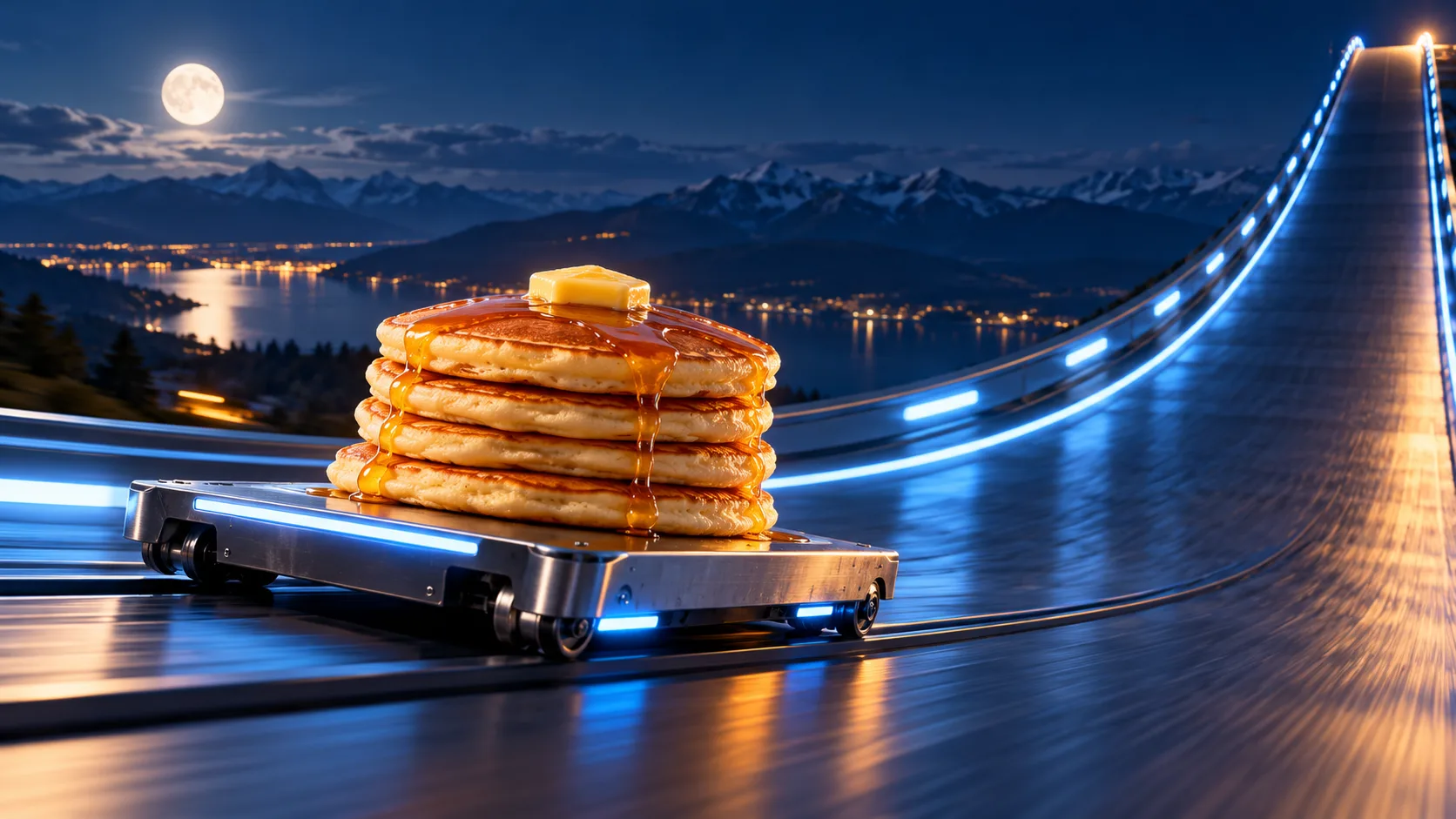
Open the Image to Video workspace, upload the food image, choose an available model, and paste a focused prompt. Model availability, controls, and credits can change, so check the current selector and on-page credit information before generating. Generate one draft, then inspect the first frame, the moment of rotation, and the landing.
Ask three concrete questions: Is it still the same food? Does the movement happen in a clear order? Does the final frame show the product rather than smoke or an empty platform? If a model changes the topping or label during the flip, reduce the rotation or keep the object facing the camera. If the landing fails, use a slower descent and a longer final hold.
Step 6: Finish the ad outside the generation step
Use an editor for the final crop, approved logo, headline, price, offer, and music. Check the result at the size where people will see it. A tiny label that seems legible on a large monitor may disappear on a phone. Add legal or promotional wording only after checking that it is accurate and approved.
The short storyboard below is assembled from original AI-generated still illustrations. It is a visual example of the sequence, not a rendered output from Trending AI Video.
Image to Video or Text to Video?
Use image-to-video when keeping a real product reference is the priority. It gives the model a starting composition, color palette, and object silhouette to work from. It is usually the better first choice for a branded package, a menu item, or a product photo you already like. It still may alter text, ingredients, geometry, or identity while moving.
Use text-to-video when you are exploring a fictional set or have no reference image. It gives you room to invent the food styling and ramp together, but it also asks the model to decide more details. That can make product consistency harder. The AI video workspace provides an overview of the available creation paths; for a text-first experiment, open Text to Video.
A practical sequence is: create a still concept, choose the strongest frame, animate it with a short image-to-video prompt, then refine the weakest beat. That sequence makes it easier to compare versions because the starting image stays fixed. If the product is changing before the motion begins, improve the reference image first.
A Five-Part Prompt Formula That Keeps the Clip Readable
Build the prompt in this order: product and visual details; starting position; ramp action; camera path; landing and continuity constraints. Keep the action verbs specific and the camera instructions short. These five copy-ready examples are starting points; adjust them to the source image, aspect ratio, and model you select.
Prompt 1: Cheeseburger climb and landing
Create a short cinematic food-ad video from the reference image. Keep the same double cheeseburger, bun, lettuce, cheese, patty count, and proportions throughout. Begin with the burger centered on a compact matte-black platform at the foot of a curved illuminated ramp. The platform climbs smoothly, makes one gentle half-turn near the crest, and settles upright on a clean display plinth. Low side-tracking camera, then hold on a front three-quarter product shot. Deep blue studio background, crisp appetizing light, no flying ingredients, no text, no logo, no extra food.
Prompt 2: Strawberry cake with a careful turn
Animate the provided strawberry layer cake as one intact product. Preserve the round shape, visible cake layers, cream, and strawberry arrangement. A small presentation platform travels up a smooth curved ramp, rotates slowly by 90 degrees, and descends to a still landing. Keep the cake level and attached to the platform. Camera tracks from the side at a steady speed, then holds on the cake. Warm bakery light against a restrained midnight-blue set. No crumbs, no melting, no extra berries, no packaging text.
Prompt 3: Blank-label drink can
Make a six-second product-style clip from this reference. Keep the same plain red-and-white can, cap, cylindrical shape, and blank label area. The can stays upright on a small platform as it travels up a luminous C-shaped ramp, makes one slow controlled turn, and lands upright facing the camera. Use one continuous low tracking shot and a two-second final hold. Dark clean studio, soft reflections, no readable lettering, no brand, no liquid splash, no dents, no second can.
Prompt 4: Glazed donut orbit
Create a playful but premium food commercial. Preserve the single ring-shaped glazed donut and its icing pattern from the reference. It rides securely on a shallow display disk up a short curved ramp, makes one slow quarter-turn, and lands on a white pedestal. Keep the donut round, intact, and centered. Camera pans gently beside the platform, then stops for a clean close-up. Warm highlights, simple indigo background. No bite marks, no sprinkles appearing, no floating crumbs, no lettering.
Prompt 5: Taco duo with a clear final frame
Animate the two tacos in the reference as a fixed pair. Keep both shells, fillings, and their left-right arrangement consistent. A broad stable tray climbs a futuristic curved ramp, glides through one small 30-degree bank, and lands flat on a dark stone counter. The tacos never leave the tray. Low side camera follows smoothly and ends in a steady front view with the food in focus and empty space above for later copy. Soft warm food lighting, cool ramp accents, no extra toppings, no logo, no words.
Keep the Food Shape Stable
Continuity is the main technical challenge. A moving food object can gain or lose toppings, change package proportions, or morph into a different dish between frames. Reduce that risk by naming the details that must remain constant and making the motion less demanding.
Keep the prompt anchored to the exact source object. Say “the same can” or “the same cake,” then list only two or three identity details that matter. Define what is allowed to move—the platform, the camera, or a small rotation—and what must not move, such as the food arrangement or package shape. Do not ask ingredients to fly around if the product needs to stay recognizable.
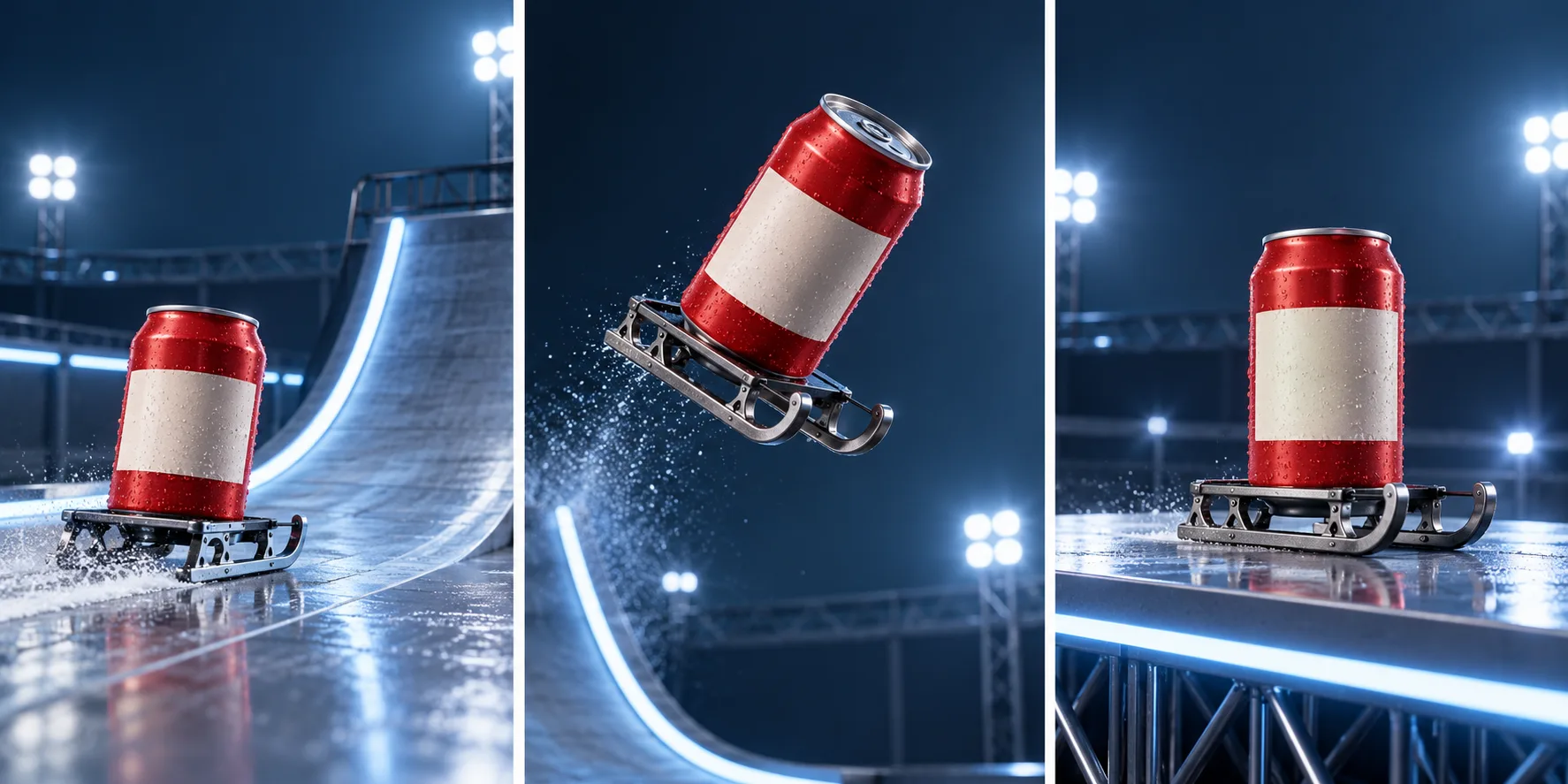
Use a moderate action rather than a perfect 360-degree flip as the first test. A small bank, quarter-turn, or camera reveal can still feel dynamic and gives the model fewer opportunities to redraw the food. If the model supports a final-frame or motion-brush control, use it only after checking the current model-specific instructions in the interface; those controls vary.
Troubleshooting: Fix Common AI Video Failures
The food changes during the stunt
Remove extra actions and restate the identity details once. Keep the food attached to a tray or platform and reduce the rotation. If the source image itself is ambiguous, pick a clearer image instead of adding more adjectives.
The flip becomes a spin
Replace “flip” with one exact movement, such as “one slow quarter-turn while remaining upright.” Add “camera follows from the side” if the model confuses object motion with camera motion. If you need a full rotation, try it as a separate experiment after the simpler movement works.
The landing is missing
State where the platform starts and where it ends. Ask for a slower descent and a final hold. A short landing hold is more useful than adding another effect after the landing.
The label turns into gibberish
Treat generated label text as unreliable. Use a blank or simplified label during generation, then add the approved packaging artwork in an editor. Inspect the exported crop at phone size before publishing.
The clip looks like a real endorsement
Remove protected logos, exact vehicle marks, and borrowed campaign language unless you have permission. Describe a “futuristic curved ramp” rather than implying that a real company made or approved the food ad. Label synthetic or staged visuals where needed for your audience and platform.
Cut a Clean Six-Second Ad
A short clip can work when every beat has a job. Give the opening enough time to establish the food, let the ramp move carry the middle, and reserve a stable hold for the landing. The timings below are a planning aid, not a guaranteed generation recipe.
- 0–1.5 seconds: show the food clearly on its platform.
- 1.5–4 seconds: climb the curved ramp and make one restrained turn.
- 4–6 seconds: land, hold, and reveal the product.
If the prompt asks for a long ascent and a complex flip inside a very short generation, the model may compress or skip a beat. You can lengthen the output if the tool supports it, generate the action as separate shots, or reduce the stunt. A clean product reveal often sells the idea better than a busy ending.
Keep text overlays out of the generated scene when possible. Most models are more reliable at motion and lighting than exact typography. Add the final headline, price, URL, and call to action in an editor so you can correct spelling and meet the campaign brief.
Use the Clip Responsibly
Use a product photo, packaging design, music track, and likeness only when you have the relevant rights or permission. A generated result may change labels or ingredients, so compare it with the actual product before describing it as a faithful representation. Do not invent nutrition, health, price, availability, or performance claims in a generated ad.
If the clip is clearly fantastical, make sure its context does not mislead viewers about a real vehicle, restaurant, endorsement, or product result. Respect platform rules for synthetic media disclosures and advertising. Keep a copy of the approved source assets and final edit so the team can trace what was generated and what was added later.
Why Results Vary Between Generations
The same prompt can produce different motion because video models interpret movement, identity, and camera instructions differently. Results can also vary with the uploaded image, aspect ratio, selected model, duration, and available controls. We do not have a verified success rate or a public benchmark for this exact food-video concept, so treat each render as an experiment rather than a promise.
Change one variable at a time: first the prompt, then the source image, then the camera or aspect ratio. Save a note about what changed. That small discipline makes it easier to identify whether a better result came from a cleaner photo, a simpler stunt, or a different model.
For a people-focused reference workflow, see the Chuttamalle AI dance video guide, which applies the same single-action prompt and review process to an original scene with consenting adults.
Roadster Ramp Food Video FAQs
What does “Roadster Ramp Food Video” mean?
It describes a food or product clip using the visual sequence of a Roadster-style ramp stunt: approach, climb, turn, and landing reveal. It is a creative prompt format, not a named official product feature.
Is the Roadster Ramp Food Video an official Tesla ad?
No. The food-video concept is a generated creative adaptation. Do not imply Tesla or another automaker sponsored, approved, or produced it unless you have direct authorization.
Which food works best for a ramp video?
Start with one product that has a simple, recognizable silhouette: a burger, cake, can, donut, pancake stack, or boxed meal. Keep the arrangement uncluttered and use a clear reference photo when product consistency matters.
Should I start with image-to-video or text-to-video?
Image-to-video is a practical first choice when you already have a product image to preserve. Text-to-video is useful for early concept exploration when you have no reference, but the model has to invent more visual details.
How do I stop the food from changing shape?
Keep one hero item, identify its essential details, attach it to a stable tray, and ask for one modest movement. Reduce the rotation if the product morphs, and add exact labels or campaign text later in an editor.
Can I use the generated video in a restaurant or product campaign?
Use only authorized source images, logos, music, and likenesses. Review every frame for product accuracy, remove unsupported claims, and follow the advertising and synthetic-media rules that apply to your placement.
Make Your Own Roadster Ramp Food Video
Choose one product, plan a readable climb and landing, and keep the first prompt focused on identity and motion. Start from a product image in the Image to Video workspace, explore the full AI video workspace, or try a text-first concept in Text to Video. For Roadster-specific creative inspiration, see our Roadster AI page, and return to the Trending AI Video homepage to explore more tools.