
Choose your dancers
Add a clear photo of your cat. A second cat can join as the dance partner, or leave that slot empty and let the model create one.
Upload a photo of your cat, choose a scene, and turn them into a NEON-inspired dance. Your 23-second video is landscape 16:9 and silent. Review the finished video when it is ready.
Try the example cats, or click a photo to upload your own.
JPEG, PNG, or WebP · under 5 MB each
23 seconds · landscape 16:9 · 1080p · silent output · Seedance 2.5.
Add a clear photo of your cat. A second cat can join as the dance partner, or leave that slot empty and let the model create one.
Choose the original purple studio, a dance studio, a living room, or a concert stage. The reference video guides the choreography.
Download the silent landscape video and add a soundtrack in the app where you post. Check that platform’s sound and usage terms.
A closer look at the NEON-inspired routine.
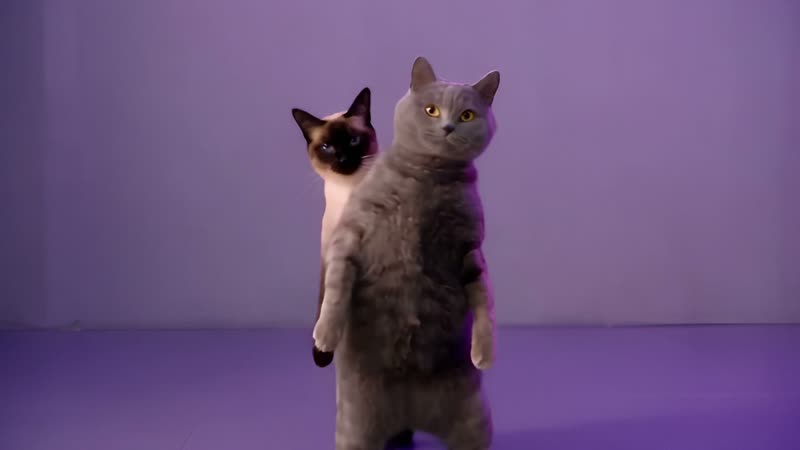
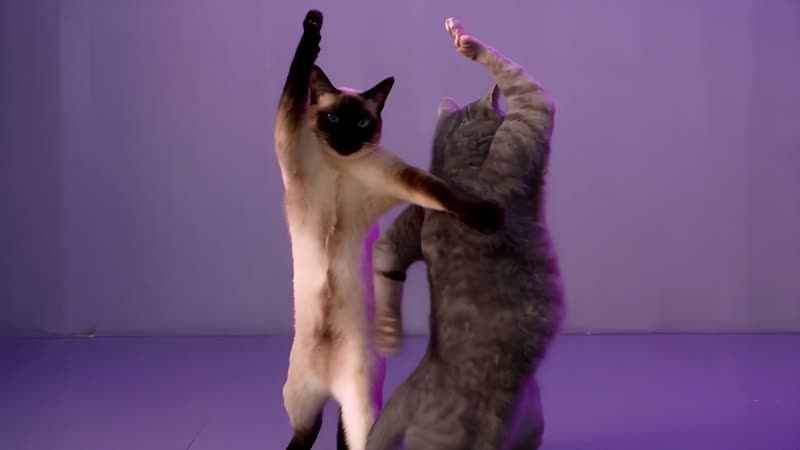
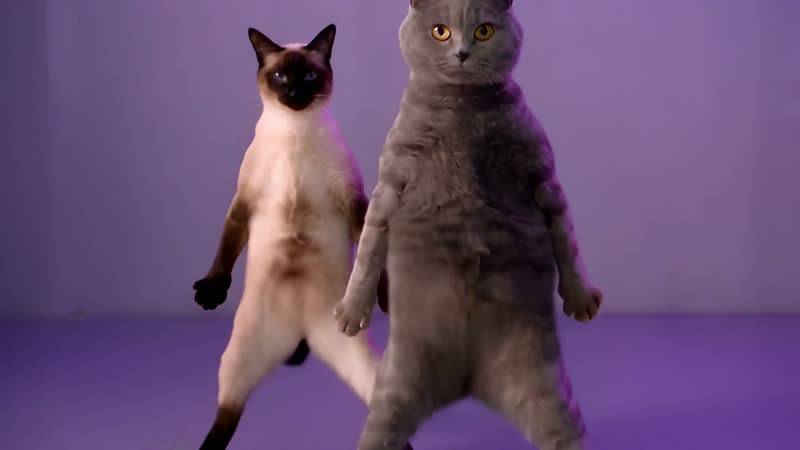
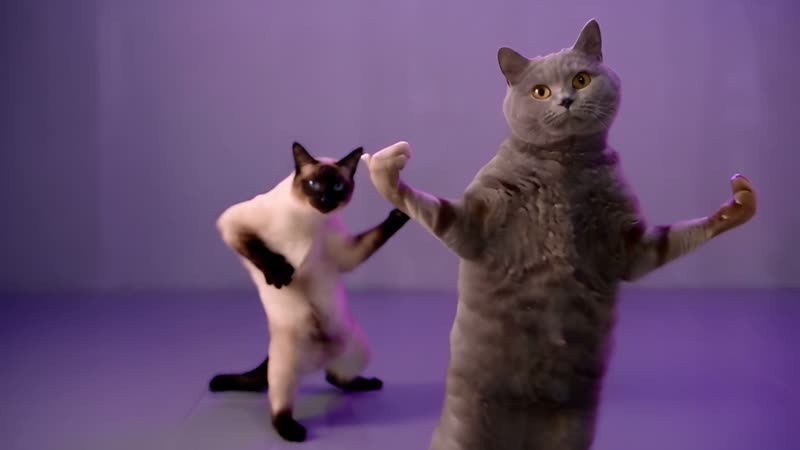
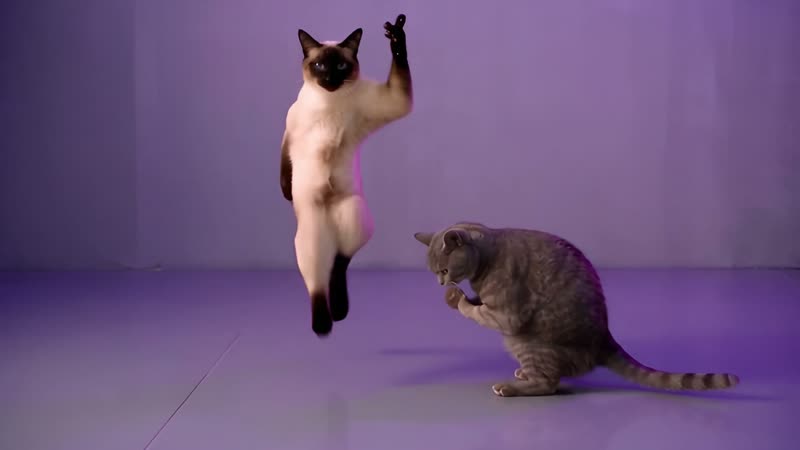
Your download is silent. Add a soundtrack in the app where you post and check that platform’s sound and usage terms.
Know what to expect
Choose the number of videos you want to make.
1 video
Try the routine
3 videos
Explore more scenes
5 videos
Make a mini collection
Estimates use the selected model and current duration and resolution. Each video is submitted separately; see Pricing for your account’s credit options.
Here to help
Answers about photos, credits, model support, and your finished video.
It is a cat dance video trend inspired by the NEON-style routine shown in the sample. This independent page lets you make a related AI video from your own cat photo.
One clear cat photo is required. A second photo is optional; leave it empty to ask the model to create a dance partner. Two sample cat photos are preloaded.
The prompt and scene are designed for cats. Other subjects may produce inconsistent results, so use the cat dance page for cat photos and review each result before sharing.
Use one cat per photo, with the face and body clearly visible in good light. Original, sharp photos usually give the model more useful detail.
Yes. Choose the original purple studio, a dance studio, a living room, or a concert stage before you generate.
One silent landscape video. The page requests a 23-second 1080p result from the currently supported reference-video model.
This page requests a 16:9 landscape video. Use the general video workspace if you need a different aspect ratio.
Your photo guides the result, but AI video can change markings, fur, or facial details during movement. Check the finished clip before sharing it.
No. The generated file is silent. Add audio only when you have permission to use it and the posting platform allows that use.
That depends on your rights to the photos, the video model’s terms, and each platform’s rules. Review them before posting or using a result commercially.
The preview is a sample reference, not a video generated from your current upload. Your photos are sent only after you choose to generate.
It depends on the selected model and provider queue. Follow the task status shown in the generator; video jobs can take several minutes.
Setup and preview are free. Generating a video uses TrendingAI.video credits, and the current estimate is shown before you submit.
Yes. Sign in before uploading your photos or submitting a generation so the task and credit use are tied to your account.
Sign in to the same TrendingAI.video account and check your workspace creation history and current credit balance. Contact support if an item is missing.
Credits belong to the account that received them and are not automatically combined across accounts. Contact support to review a billing issue.
The task status and any error message appear in the generator. Credit handling depends on the provider result; check your balance and contact support if it does not match the task.
This page does not email the finished video. Sign in to the same account and open your workspace creation history. If you are waiting for a sign-in code, check spam and request another code.
No. This is an independent fan-made AI video page and is not affiliated with or endorsed by A2O LITE, NEON, SM Entertainment, or Kakao Entertainment.
Credit and billing requests follow TrendingAI.video’s current terms and refund policy. Contact support with the account and task details for help.
Storage duration depends on the service and model provider. Review the TrendingAI.video privacy policy for current retention details.
TrendingAI.video uploads the photos for the generation you request and routes the job to the configured video provider. See the privacy policy and provider terms for details.
Watermark behavior depends on the selected model and its current export terms. Review the downloaded file and model terms before posting.
AI results vary. Try a clearer photo or another scene and generate again; each submitted video uses the credit estimate shown for that job.
One more time?
Choose your cats and make their NEON moment.
This is an independent fan-made AI video page. A2O LITE, NEON and related names belong to their respective owners.